Public App Images
Public app images can be downloaded below for free. These public app versions are identical to app images sent with eval kits except they don’t support over-the-air (OTA) updates. Instead, to perform an update, simply download and flash the latest app image from the table below.
Installation
1. Download App Image
Download the desired app image from the table below.
| App | Version | Supported SBC | Link |
|---|---|---|---|
| FireFlyEvaluator | v2.0.6 | Raspberry Pi 3 B/B+/A/A+ | FireFlyEvaluator.zip |
2. Flash SD Card
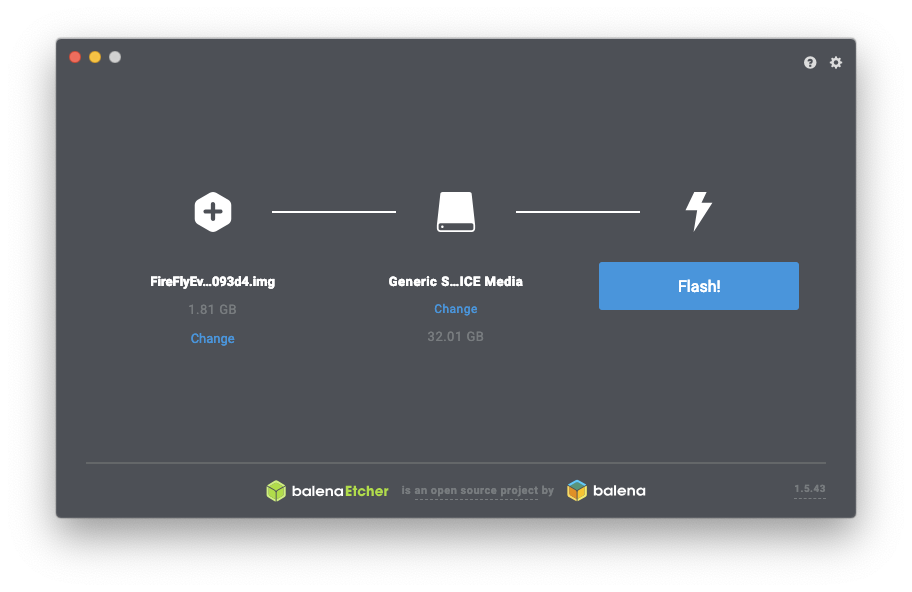
Flash the downloaded image (.zip or .img) to a micro-SD card (recommend Class 10 or better) with at least 8 GB memory.
Recommend using BalenaEtcher to flash the SD Card.
3. Boot the Device
Once the SD card is flashed, insert it into the desired device (Ensure device is listed under Supported SBC in table above). Now power up the device and connect to host PC.
4. Connect the Device
After powering and connecting the device, the app should become visible in Samtec Device Conect.
Note
Device may take an extra minute to start on first boot as a few extra startup routines must be performed.